Know Which Website Actions Your Marketing Is Driving

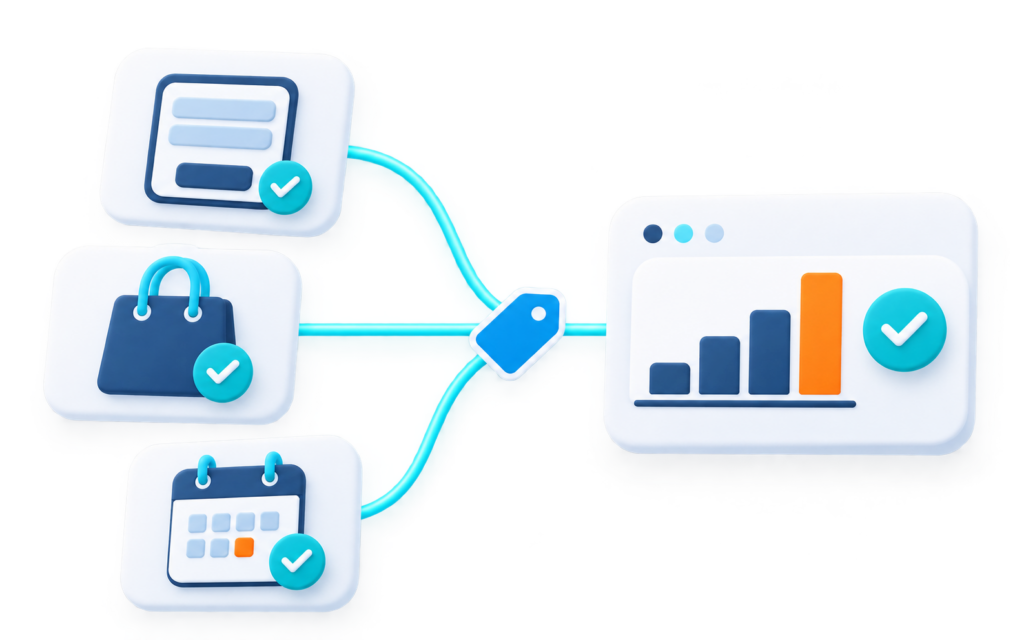
Are your contact forms recording successful submissions? Are online purchases sending the correct transaction values to GA4? Has your latest website update affected existing tracking?

These details influence how you assess advertising campaigns and website performance. We help you establish which actions need measuring, review how your current tracking works and connect the right events with your marketing platforms.

Get a clearer view of website activity with tracking built around your business goals.

Ready to Advertise?
google tag manager services

Hear from our clients


Our Google Tag Manager Consulting and Services

Through our Google Tag Manager consulting, we provide recommendations and technical support tailored to your website and measurement requirements.

What Is Google Tag Manager?

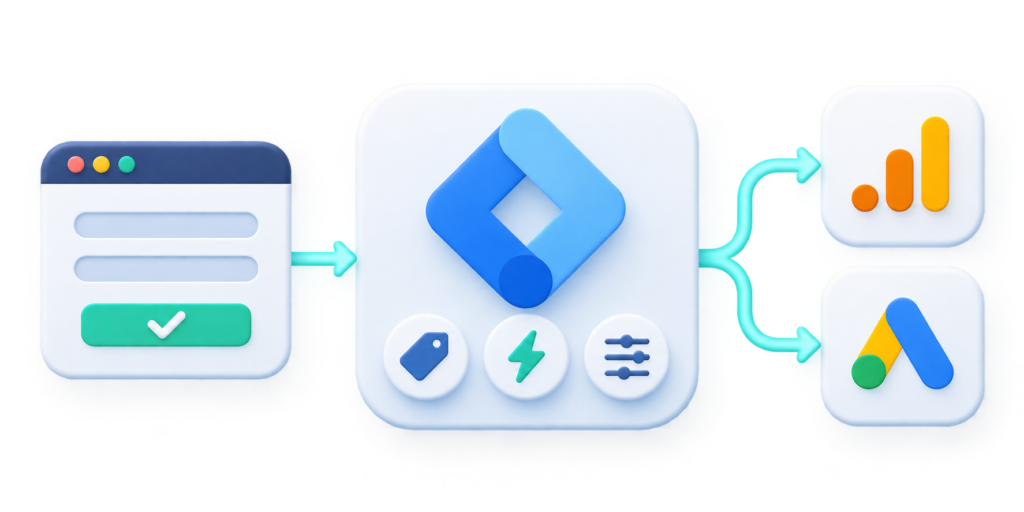
Google Tag Manager (GTM) lets you manage website tracking tags without manually adding each one to your website’s code. It uses three main components:

  1. Tags – Send information to platforms such as GA4 and Google Ads.
  2. Triggers – Determine when a tag should run.
  3. Variables – Supply information that tags and triggers use.

For example, a trigger can recognise a successful contact form submission and activate a tag that sends the event to GA4.

How GTM, GA4 and Google Ads Fit Together

GTM manages tag deployment, while GA4 collects and reports analytics data. Google Ads uses conversion tracking to measure advertising actions. These tools can work together, although GA4 can also operate without GTM.

how GTM works

Our Google Tag Manager Implementation Process

We follow five steps to keep your implementation aligned with your website and marketing requirements.

What We Check in a Google Tag Manager Audit

When we audit your Google Tag Manager setup, we check whether your reports accurately reflect the enquiries, sales and revenue your website generates.

  • Duplicate tracking. We check whether the same GA4 event is being sent twice, such as through both a website plugin and Google Tag Manager.
  • Form clicks counted as enquiries. We check whether tracking records a completed form submission or simply a click on the submit button.
  • Missing purchase details. We check whether purchase events send the expected transaction ID, order value and currency, so you can assess the revenue attributed to your campaigns.

We prioritise fixes by how much they affect your reporting and campaign decisions.

gtm audit services

Google Tag Manager Questions

Yes. Google’s standard GTM product is free. Professional services such as planning, setup, implementation, testing and ongoing support involve additional costs.

Depending on your website configuration, GTM can support GA4 conversion tracking for successful form submissions, booking confirmations, purchases, downloads and selected interactions. Each event must be technically observable and permitted. A phone-link click, for example, doesn’t confirm a completed call.

This depends on your website platform, number of events, integrations and testing requirements. A basic contact form setup involves different work from a complex eCommerce implementation. Contact us to discuss your requirements and receive a tailored quote.

It can. Changes to page URLs, forms, website structure and checkout processes may affect existing tags and triggers. We recommend reviewing tracking before a redesign and testing the implementation after launch.

Not every website requires server-side tagging. It introduces additional infrastructure and maintenance requirements, so its suitability depends on your measurement needs. Consent configuration is a separate consideration and should reflect your chosen consent solution and applicable requirements. Neither guarantees complete data collection or legal compliance.

GTM manages tracking tags and when they run. GA4 collects and reports website activity. They work together, but GA4 doesn’t require GTM.

Yes. We can review your current configuration, identify duplicate or incorrectly firing tags and recommend changes. Agreed updates are tested before publishing, with existing event definitions considered during the review.

We use GTM Preview and Tag Assistant to test website interactions, check event parameters and identify duplicate or incorrectly firing tags. We also verify event delivery through platforms such as GA4 DebugView. Consent settings and browser restrictions can still affect reported data.

Account ownership and access arrangements should be established before implementation begins. We can agree on the appropriate permissions and documentation required for your team. Some technical changes may still require developer assistance.

Let’s Setup Your GTM Tracking

Whether you’re setting up GTM for the first time, reviewing an existing container or preparing for a website redesign, Design Point Digital can help you plan your tracking requirements.

    Let us help with your digital goals